ZiggCut step-by-step guides
Every editing function of ZiggCut, explained in simple steps with real screenshots. Pick desktop or mobile.
On desktop (Mac)
 Desktop · 3 min
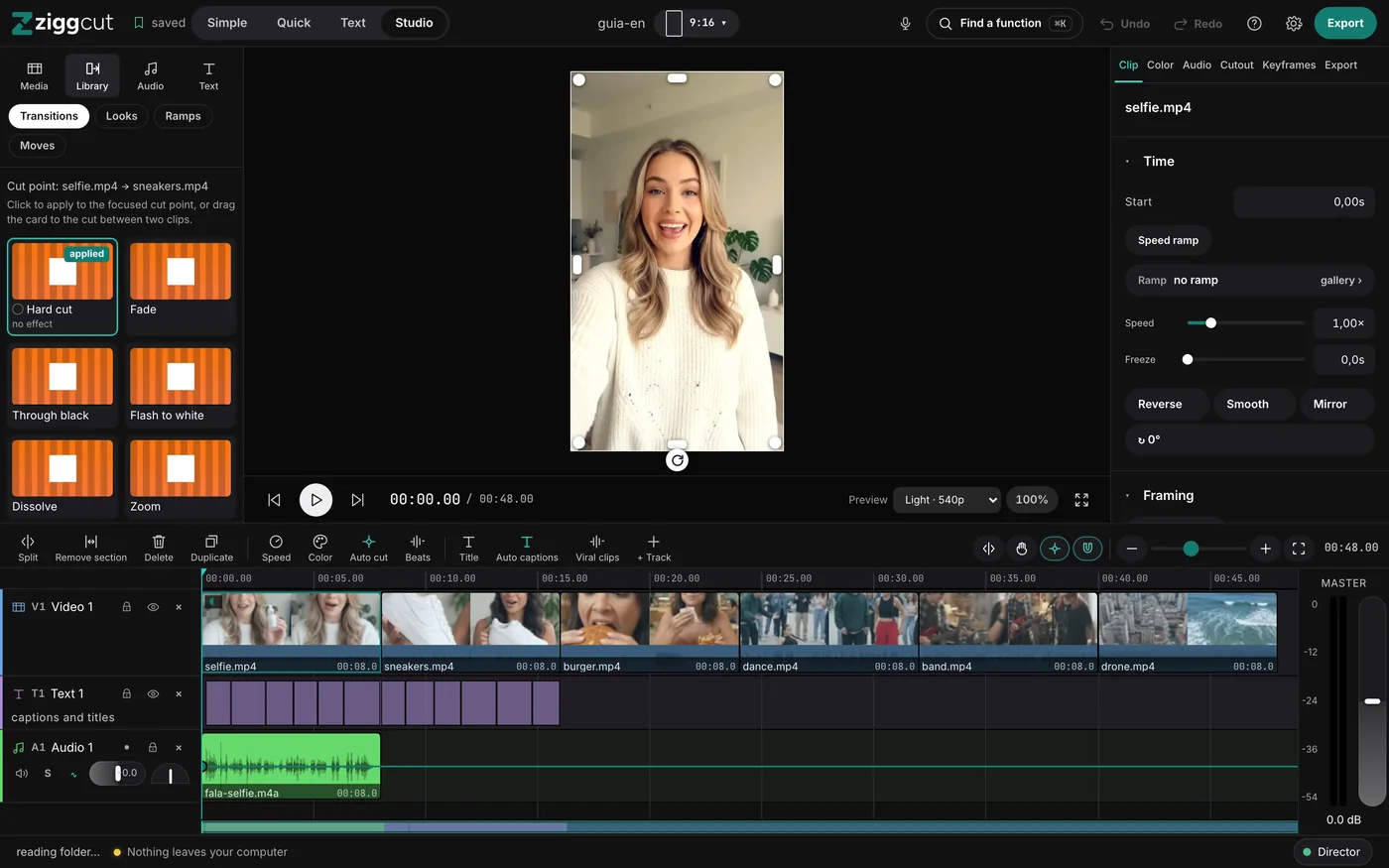
How to cut silences automatically
Remove every pause from a talking-head video in one click with ZiggCut's automatic silence cut, and choose how tight it should be.
 Desktop · 4 min
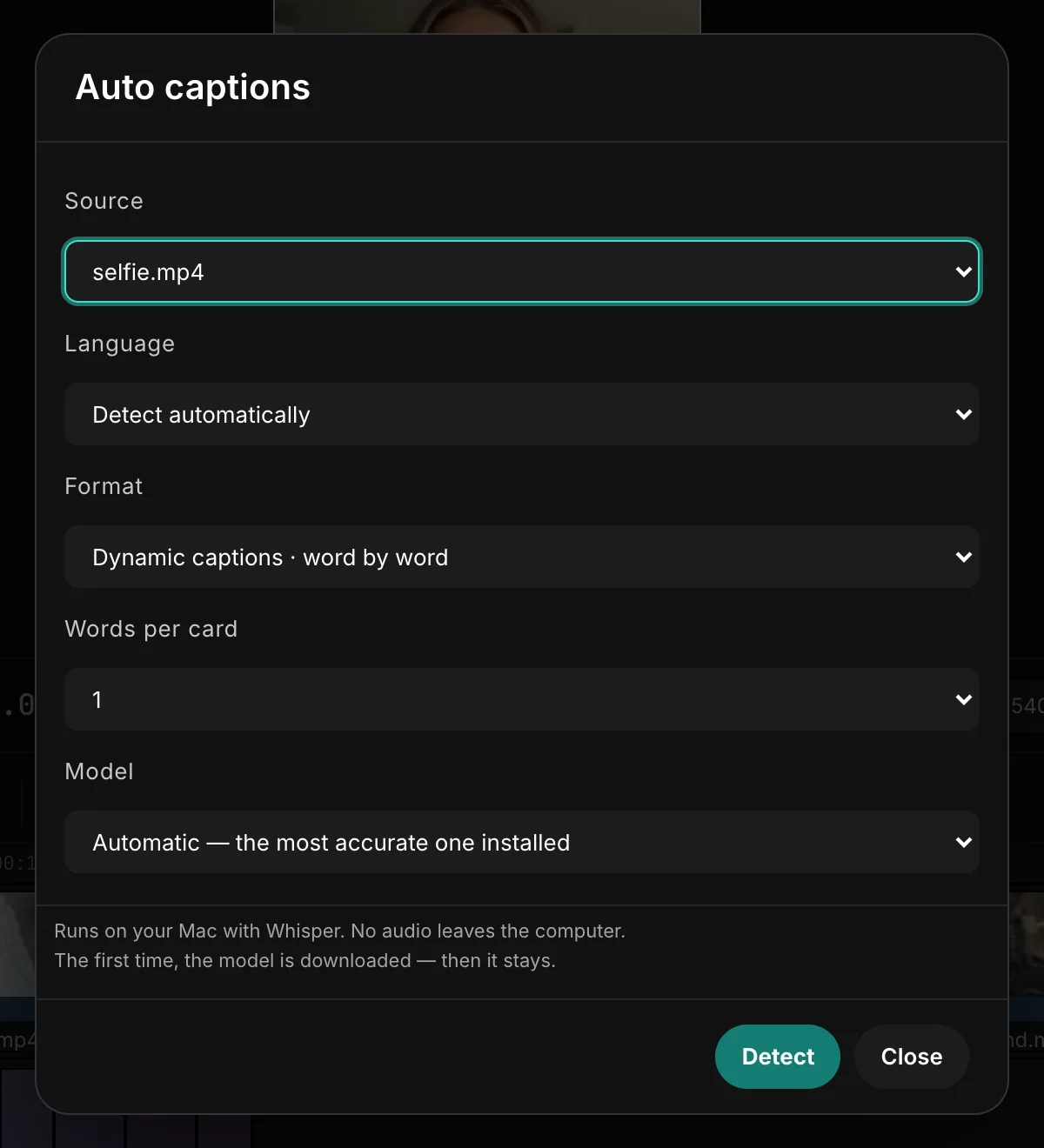
How to add automatic word-by-word captions
Turn speech into animated captions on your own computer: pick the language, choose one of 34 styles and let each word light up as it is spoken.
 Desktop · 4 min
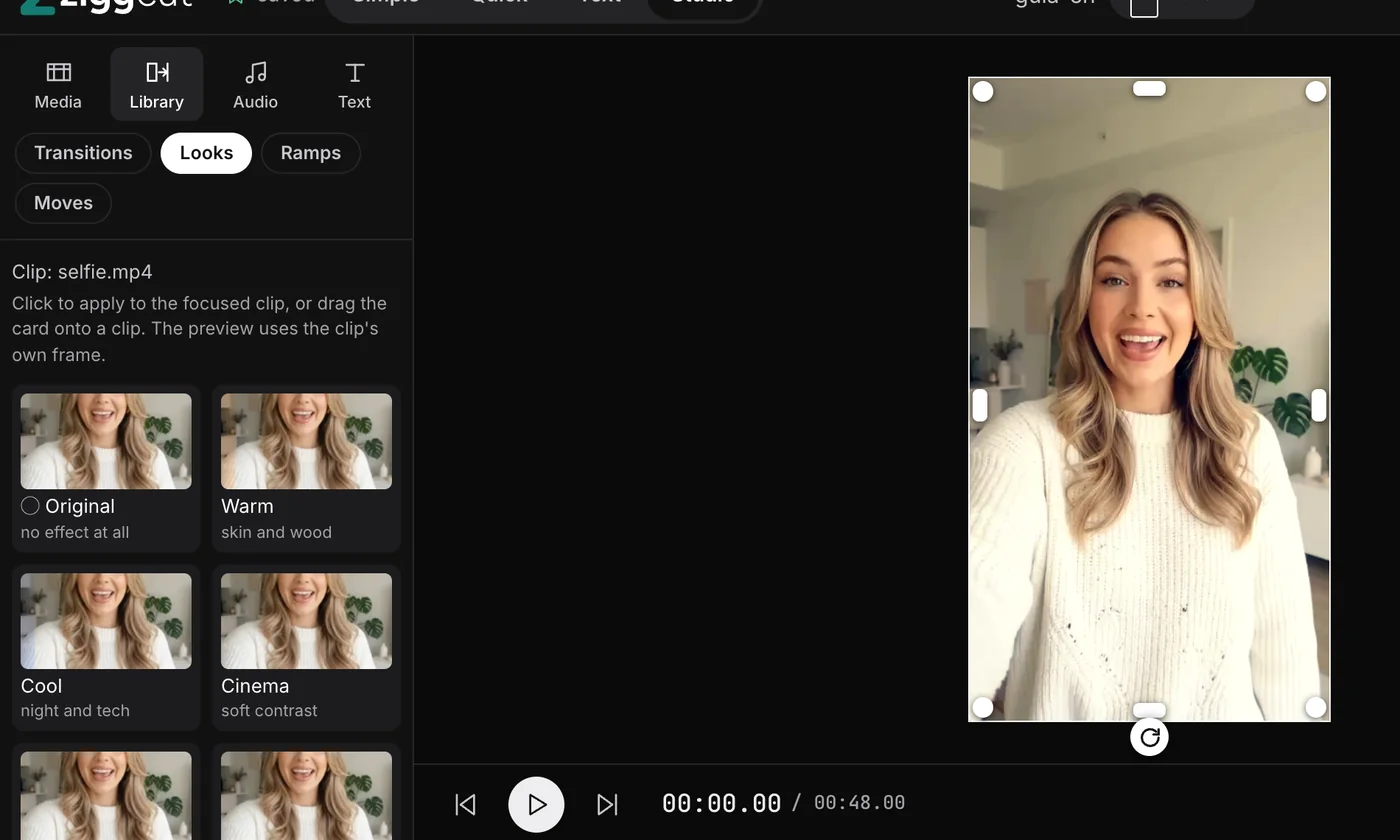
How to color grade video like a film
Apply a cinema look in one click, control its strength and fine-tune with wheels and curves — and see the result before you apply it.
Desktop · 3 minHow to change speed and create speed ramps
Slow down or speed up a clip from 0.25× to 4×, or apply a speed ramp such as Impact, Punch or Hyperlapse for dynamic edits.
Desktop · 2 minHow to add transitions between clips
Join two clips with fade, dissolve, zoom, slide and 13 more transitions, and set how long they last.
Desktop · 2 minHow to add zoom and camera movement
Add a slow zoom or pan to still shots with ZiggCut's camera movements: zoom in, zoom out and four pan directions.
Desktop · 3 minAI StudioHow to find the best moments for short videos
Let ZiggCut scan a long video locally and suggest the most engaging moments to turn into Reels, TikToks and Shorts.
 Desktop · 4 min
How to clean voice and balance audio
Clean noisy voice recordings, even out volume and protect the peak level with ZiggCut's audio treatment models.
Desktop · 4 minAI StudioHow to clean and sharpen AI-generated video
Remove blocky compression and plastic look from Veo, Sora and Kling clips, and enlarge them up to 4× with local neural upscaling.
Desktop · 3 minHow to export for Reels, TikTok, YouTube and more
Export once for each network: choose a destination, format, resolution and codec, with loudness and bitrate set for each platform.
 Desktop · 3 minAI Studio
How to edit by asking your AI assistant
Connect an AI assistant to ZiggCut through MCP and ask in plain language: cut pauses, add captions, grade color, export.
 Desktop · 2 min
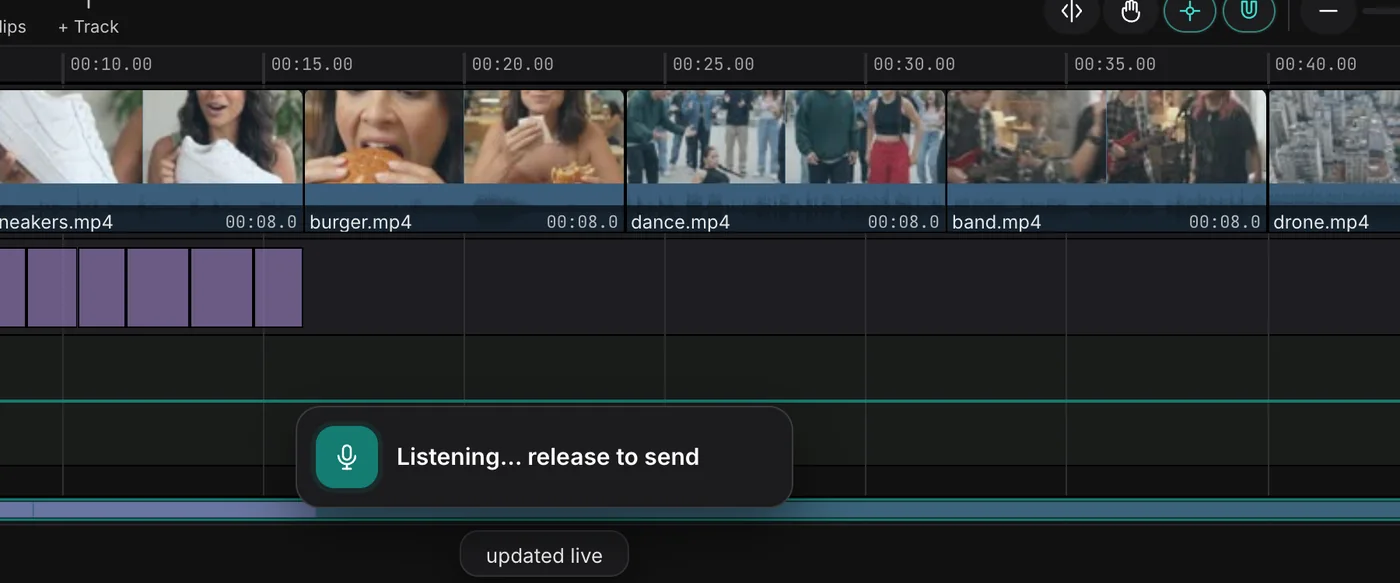
How to edit video by voice
Hold Option + Space, say a command like “split here” or “add captions in spanish” and let go: ZiggCut does it right away, on your Mac and offline.
In the mobile app (Android)
The app is on Google Play. Some screens in these steps come from the design prototype and may differ slightly from the current app.
 Mobile app · 2 min
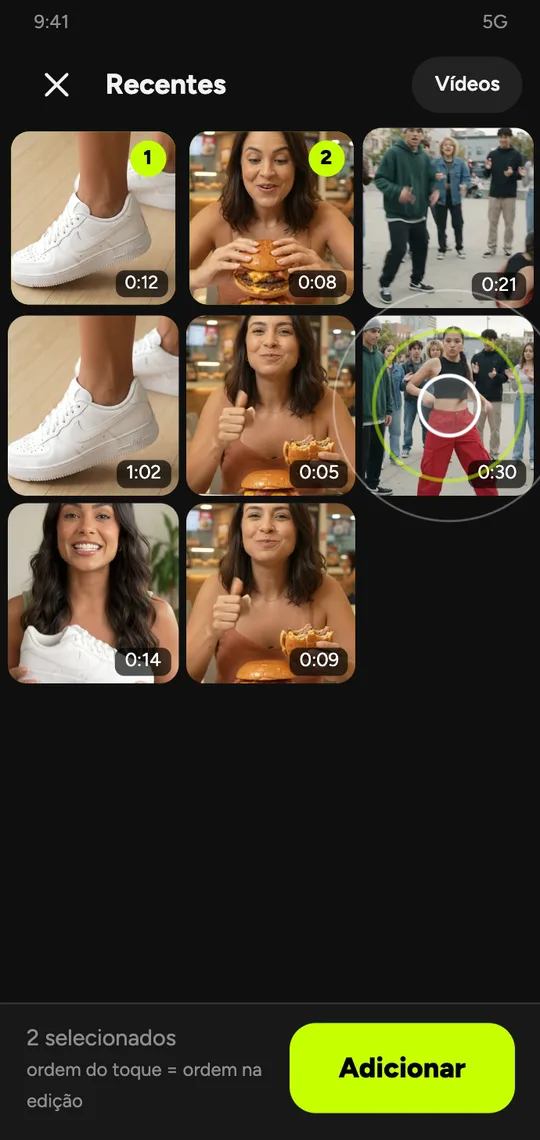
How to import and cut a video on your phone
Import clips from your gallery, split, trim and delete with one gesture in the ZiggCut mobile app.
 Mobile app · 2 min
How to change video speed on your phone
Change a clip's speed from 0.25× to 4× with a slider or quick chips, keeping the voice at its natural pitch.
 Mobile app · 2 min
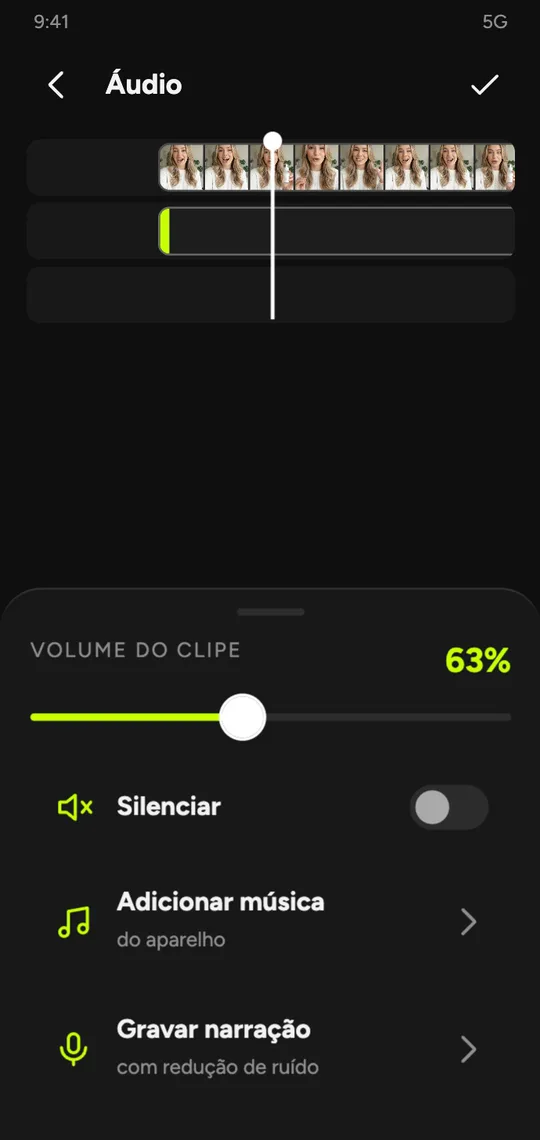
How to draw volume and add audio on your phone
Draw a volume line with points on the audio track, mute, add music or record a voice-over in the ZiggCut mobile app.
 Mobile app · 2 min
How to add text and titles on your phone
Add a title, choose color, style and position in a few taps in the ZiggCut mobile app.
 Mobile app · 2 min
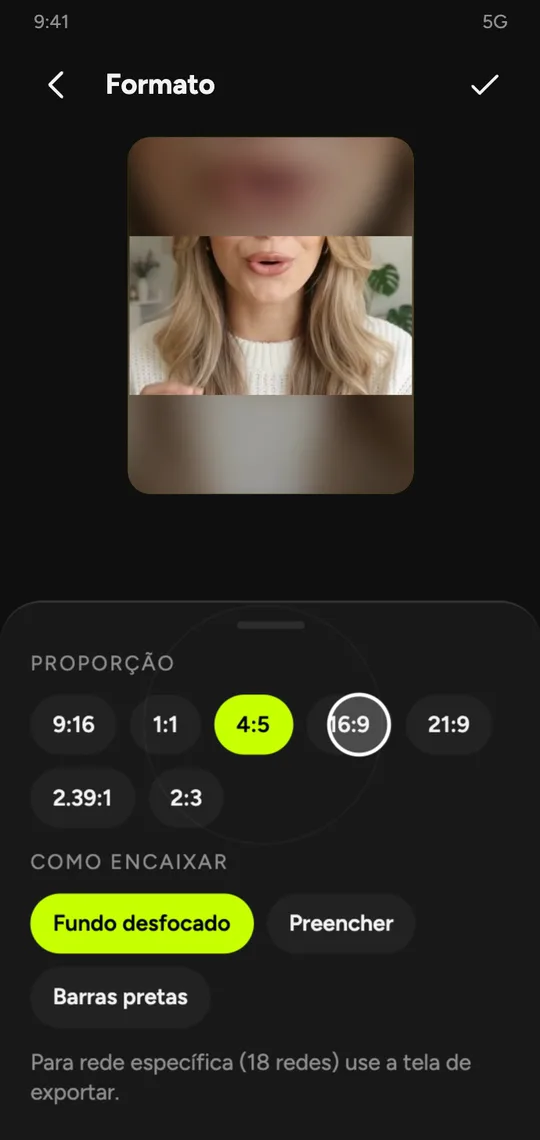
How to change aspect ratio on your phone
Switch between 9:16, 1:1, 4:5, 16:9, 21:9, 2.39:1 and 2:3 and choose how the video fills the frame.
 Mobile app · 3 min
How to add captions on your phone
Generate captions on your device, review them and choose an animated style in the ZiggCut mobile app.
 Mobile app · 2 min
How to export and save your video on your phone
See size, duration and device capacity before exporting, follow the steps and recover your project if the battery dies.