Desktop4 min
How to clean and sharpen AI-generated video
Remove blocky compression and plastic look from Veo, Sora and Kling clips, and enlarge them up to 4× with local neural upscaling.
In shortClean first, enlarge after: ZiggCut removes noise and compression blocks, then upscales with a neural model.
Where to find it: Right panel → AI material · tool → Upscale
Uses the AI Studio: 7 days free from your first AI use. The full AI Studio is coming soon.
- Step 1
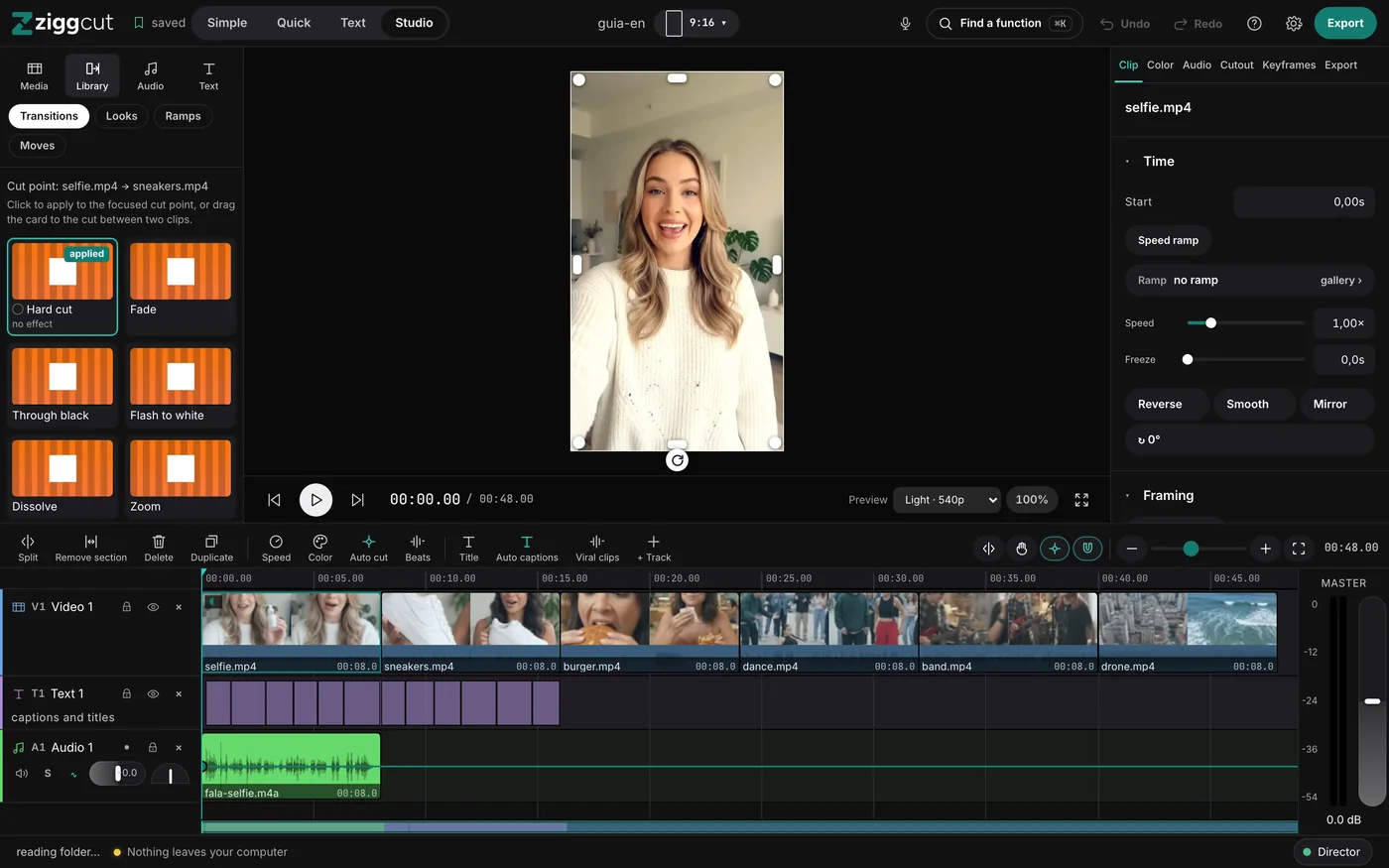
Select the AI clip
Click the clip made with Veo, Sora, Kling or similar.
- Step 2
Turn on AI cleanup
In the AI material section choose Light, Standard or Strong. Standard is the usual case for AI video.
- Step 3
Upscale
Use neural upscale at 2× or 4× with the photo, video or anime model. It is slow — about half a second per frame.

- Step 4
Compare
Drag the before/after slider to check the details.