Desktop2 min
How to add transitions between clips
Join two clips with fade, dissolve, zoom, slide and 13 more transitions, and set how long they last.
In shortClick the joint between two clips, choose a transition and set its duration.
Where to find it: Left tab → Transitions
- Step 1
Select the joint
Click the clip that comes before the cut. The transition applies from it to the next clip.

- Step 2
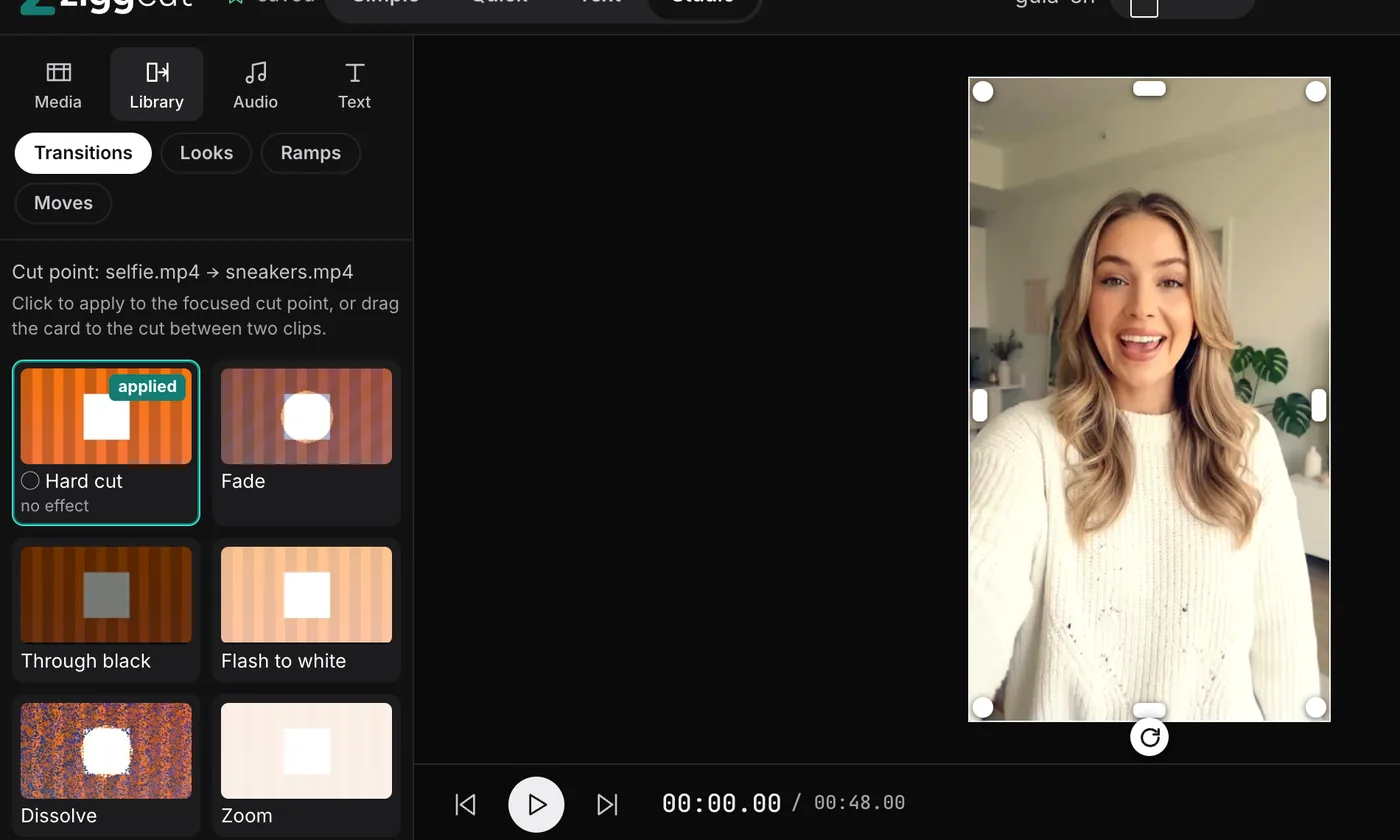
Open Transitions
In the left panel choose Transitions. The gallery shows a preview of each one.
- Step 3
Click to apply
Click a transition to apply it. Click Hard cut to remove it.