Desktop4 min
How to add automatic word-by-word captions
Turn speech into animated captions on your own computer: pick the language, choose one of 34 styles and let each word light up as it is spoken.
In shortZiggCut transcribes the speech on your computer (nothing is uploaded) and creates captions already in sync with the audio.
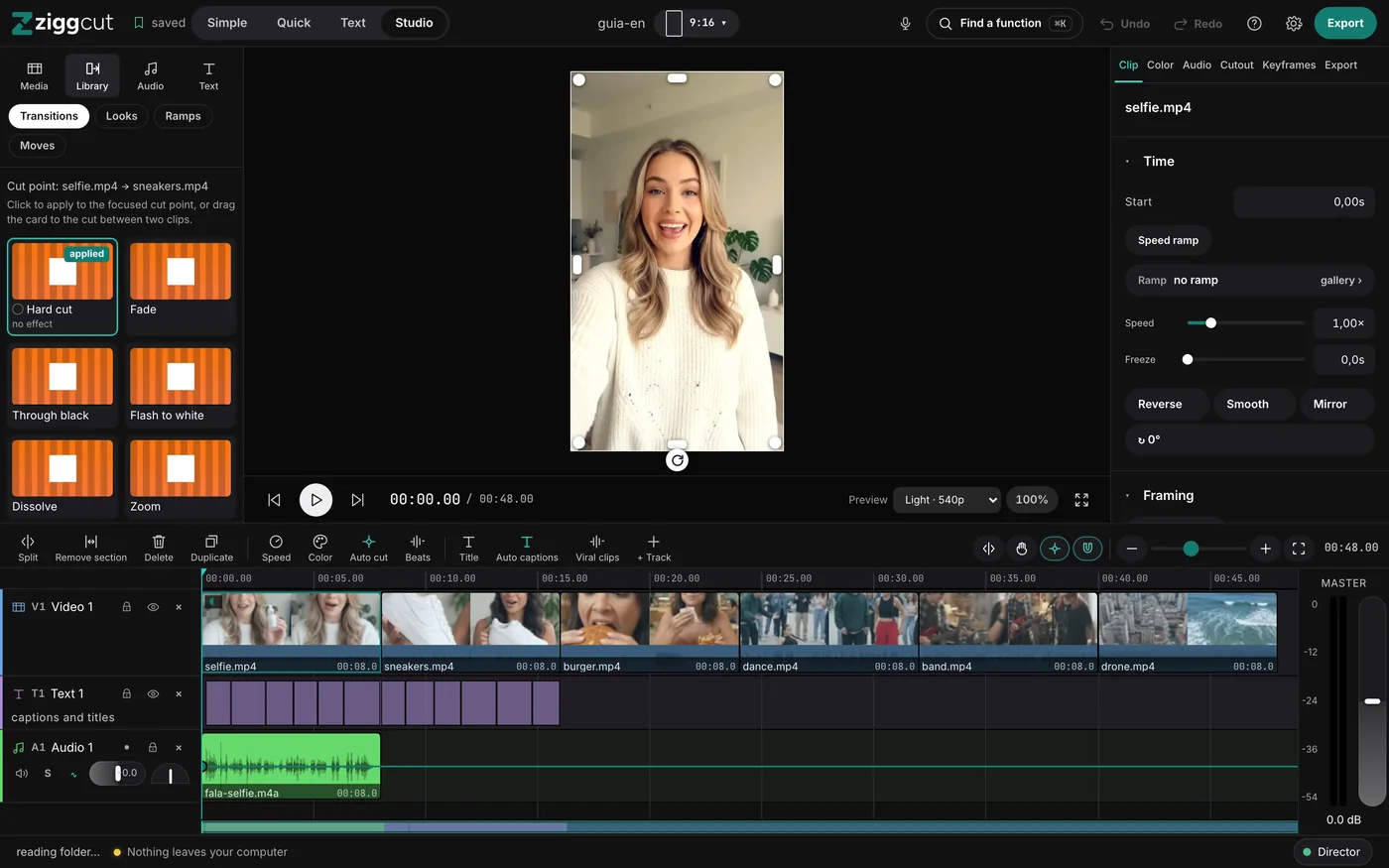
Where to find it: Toolbar → Auto captions
- Step 1
Open Auto captions
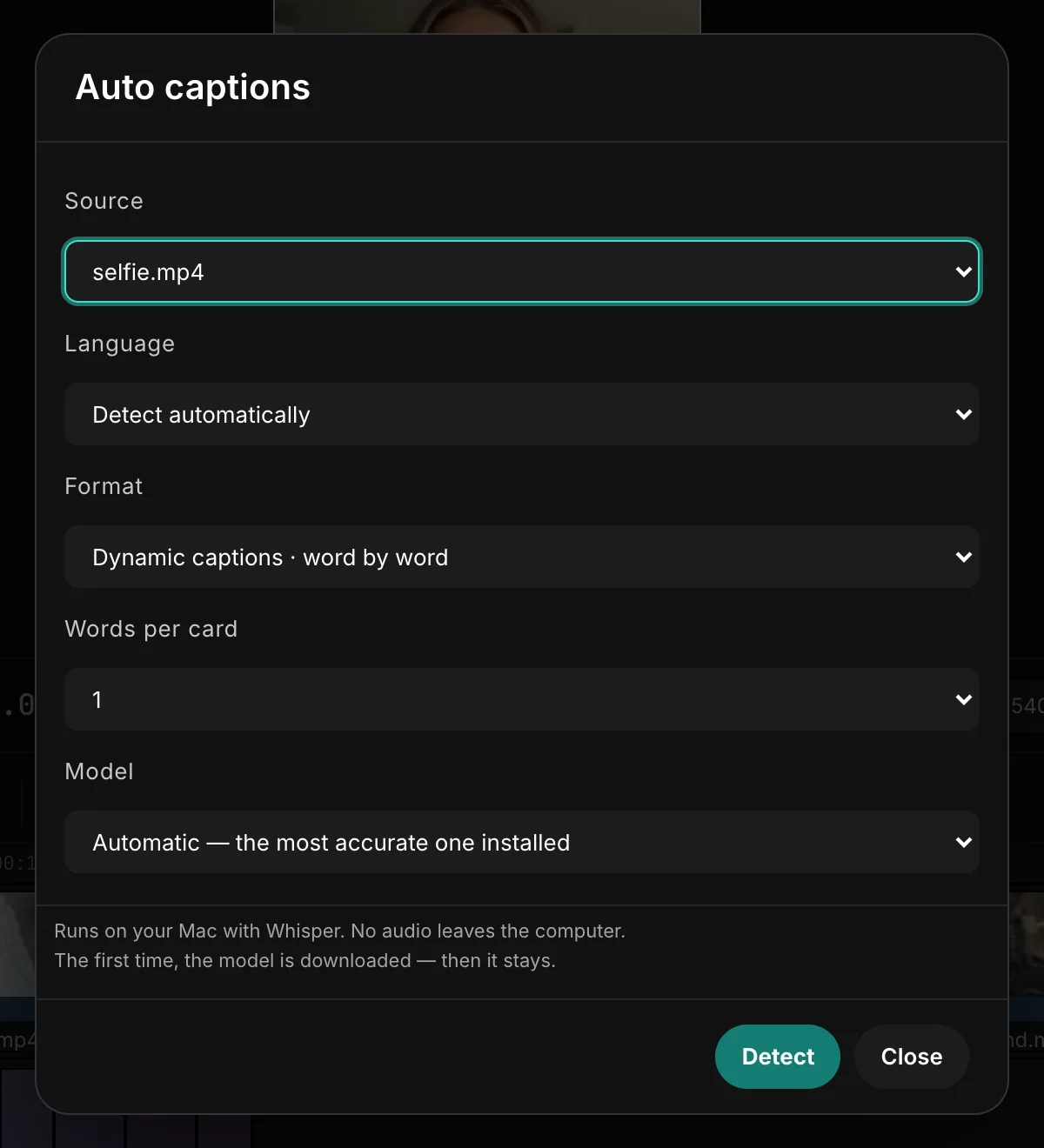
Press Auto captions in the toolbar and choose the clip that contains the speech as the source.
- Step 2
Pick language, format and words per caption
Leave the language on automatic detection or choose one of 10. Choose the dynamic format (word by word) and how many words appear at once.
- Step 3
Choose a style
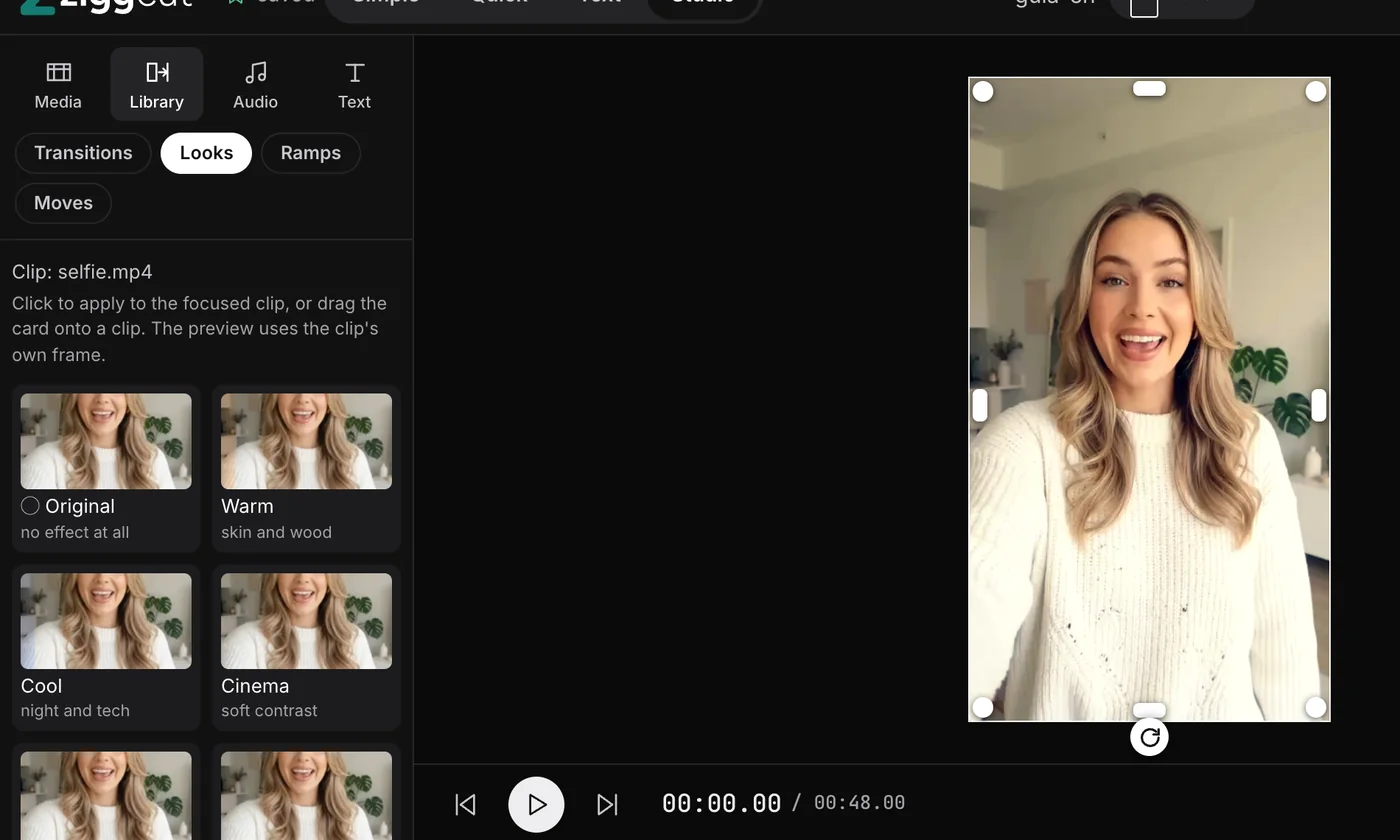
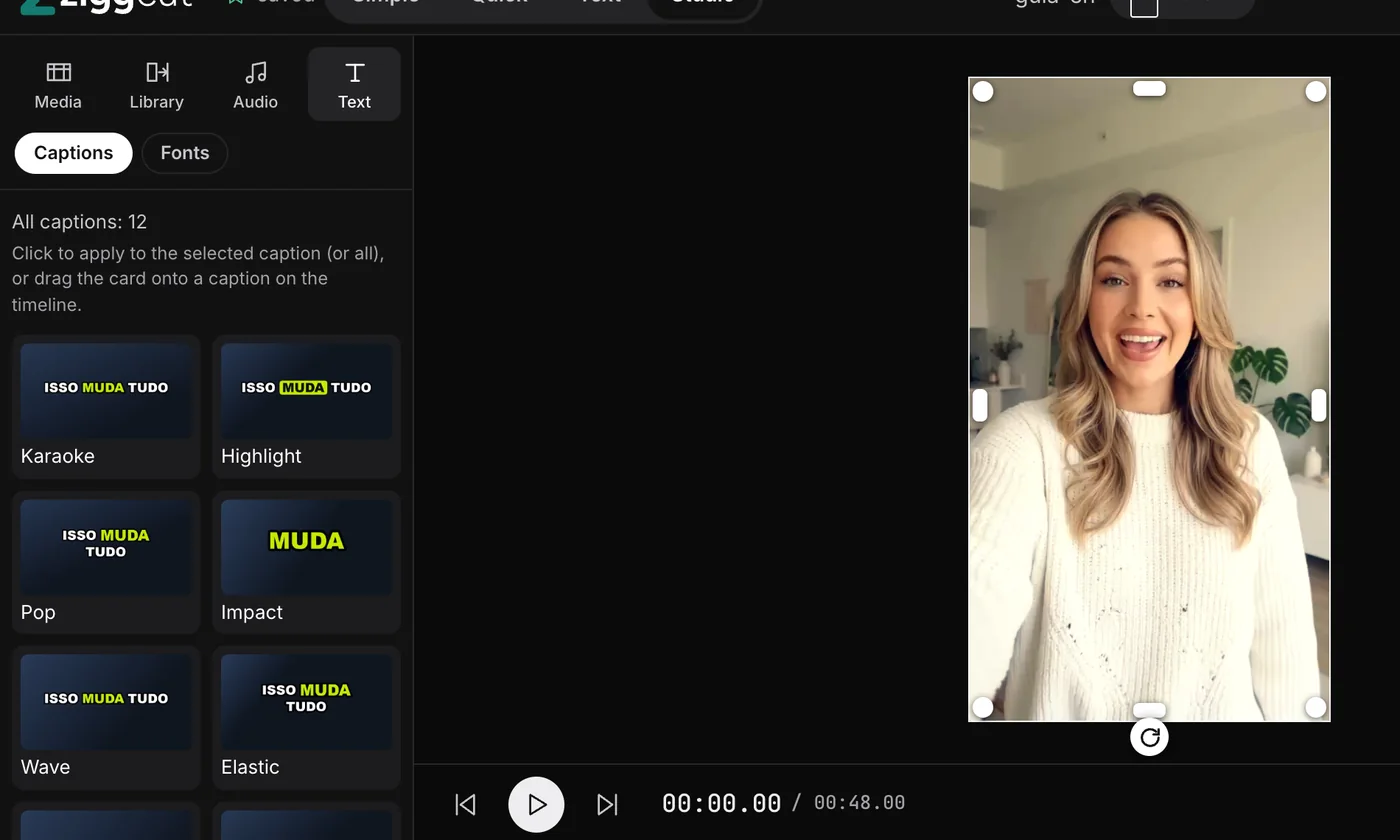
In the Captions tab on the left, pick one of the 34 styles. Each has a live preview, and you can add a motion effect.
- Step 4
Fine-tune
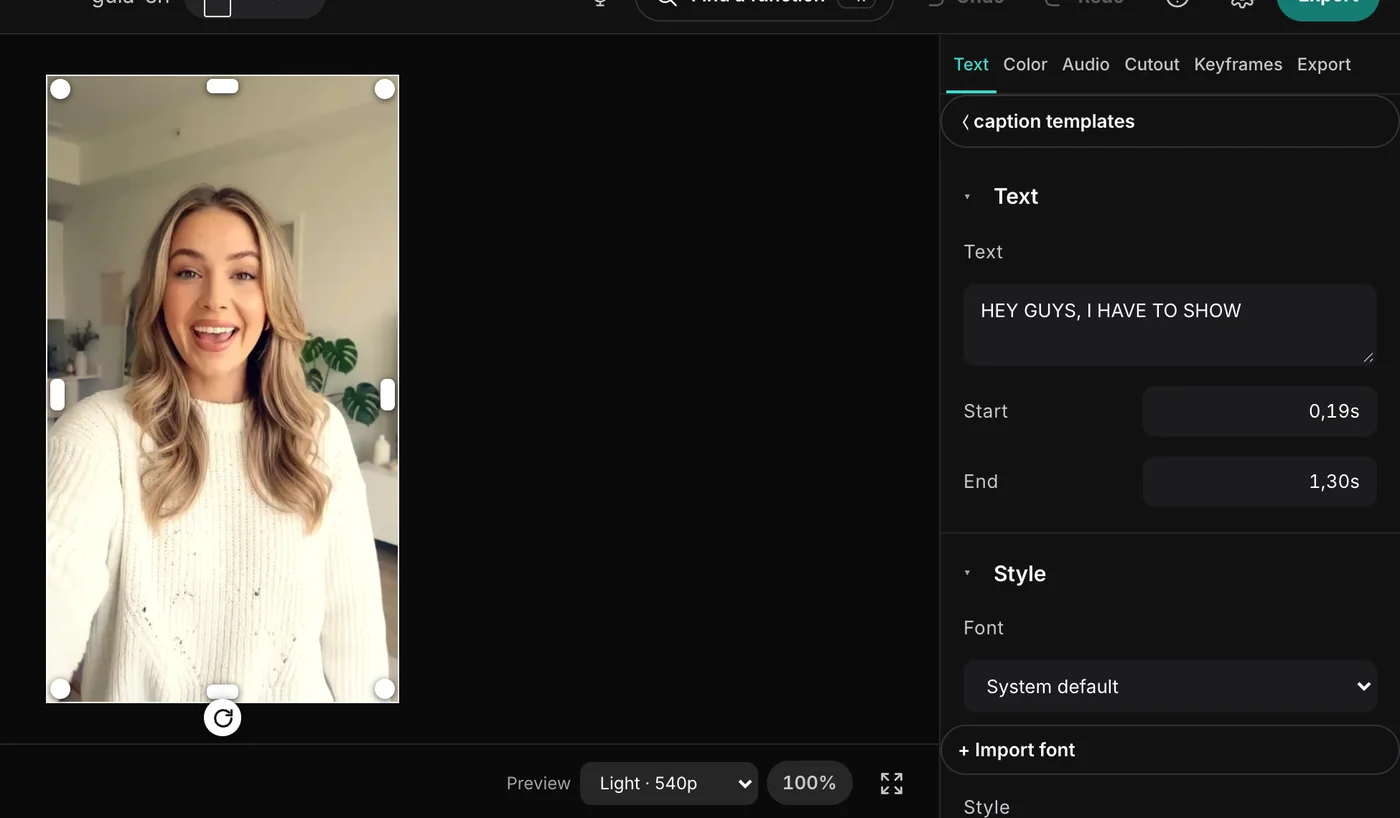
Select any caption on the timeline to change text, size, position and color in the Captions panel.