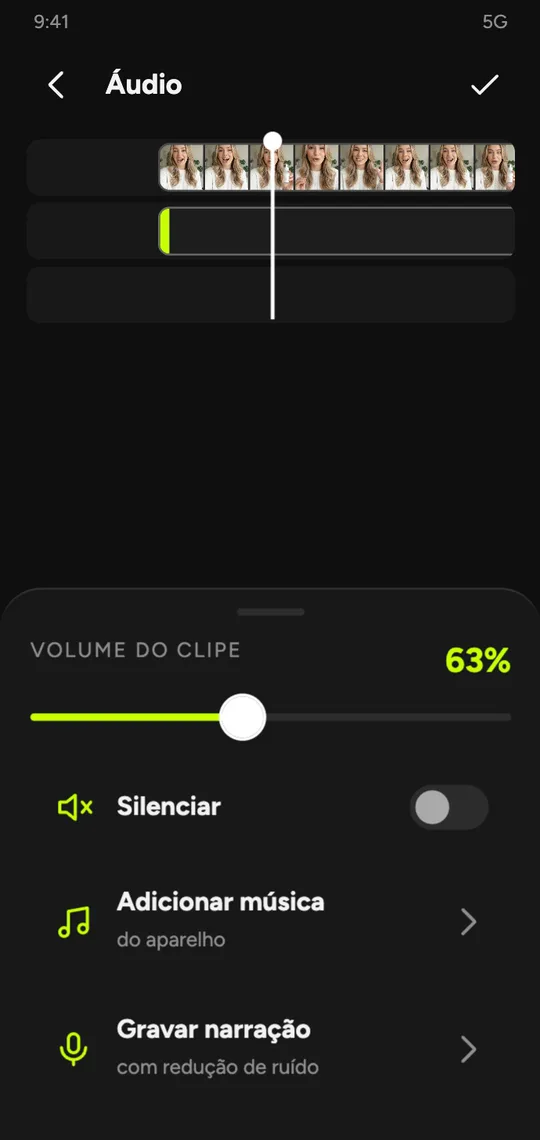
Mobile app2 min
How to export and save your video on your phone
See size, duration and device capacity before exporting, follow the steps and recover your project if the battery dies.
In shortThe app tells you what to expect before you spend the time.
Where to find it: Export
The app is on Google Play. Some screens in these steps come from the design prototype and may differ slightly from the current app.
- Step 1
Check the summary
Before exporting, see file size, duration and whether your phone can handle it.

- Step 2
Export
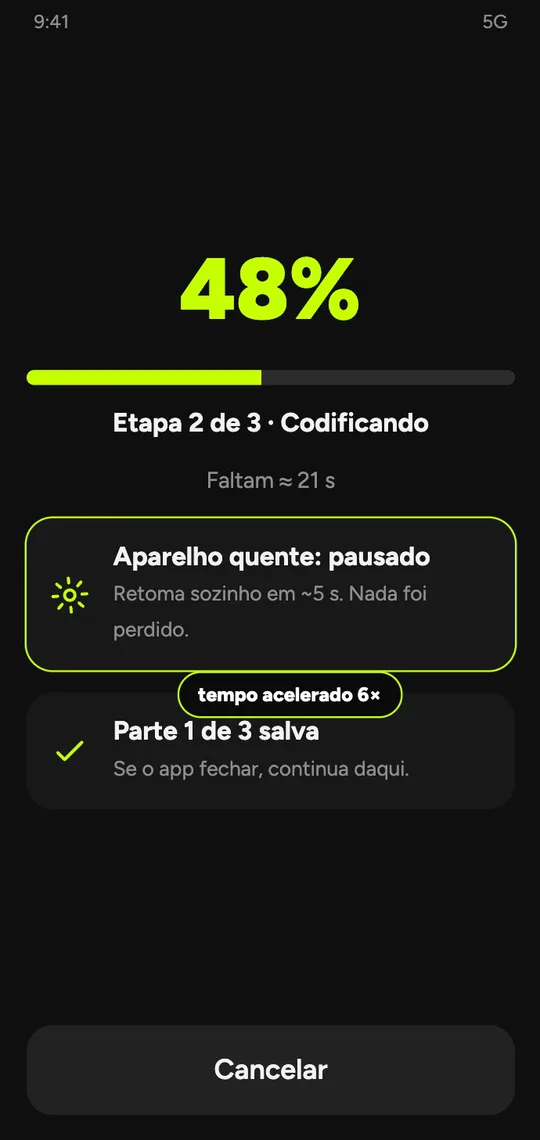
Tap Export and follow the steps: preparing, encoding, finishing.
- Step 3
Find your video
The finished video appears in your gallery. If the battery dies, the project is restored.