Mobile app2 min
How to change video speed on your phone
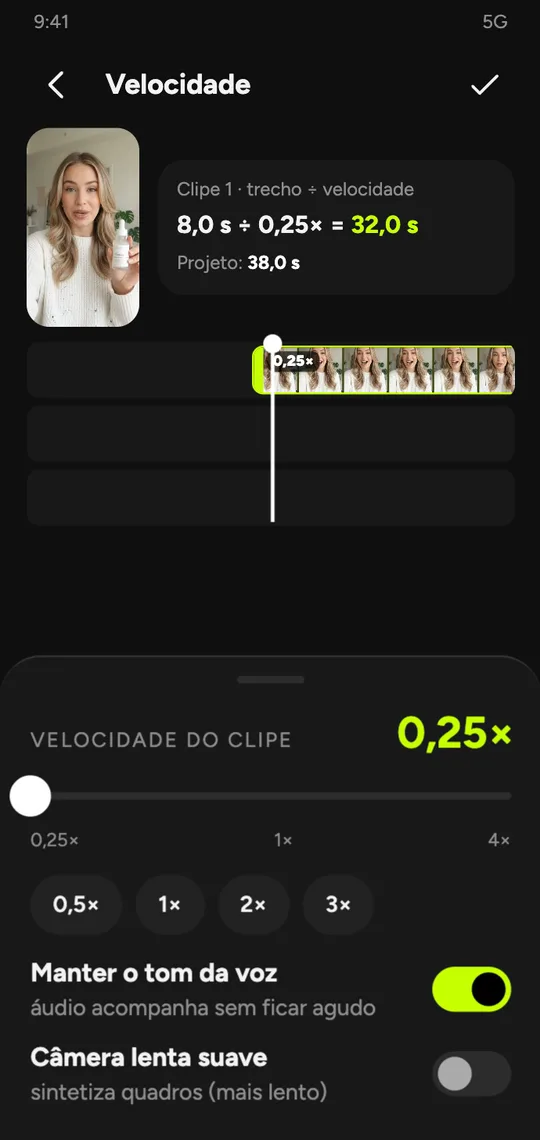
Change a clip's speed from 0.25× to 4× with a slider or quick chips, keeping the voice at its natural pitch.
In shortDrag the slider or tap 0.5×, 1×, 2× or 3×. Duration updates immediately.
Where to find it: Speed
The app is on Google Play. Some screens in these steps come from the design prototype and may differ slightly from the current app.
- Step 1
Select the clip
Tap the clip on the timeline.

- Step 2
Open Speed
Tap Speed. A slider and quick chips appear.
- Step 3
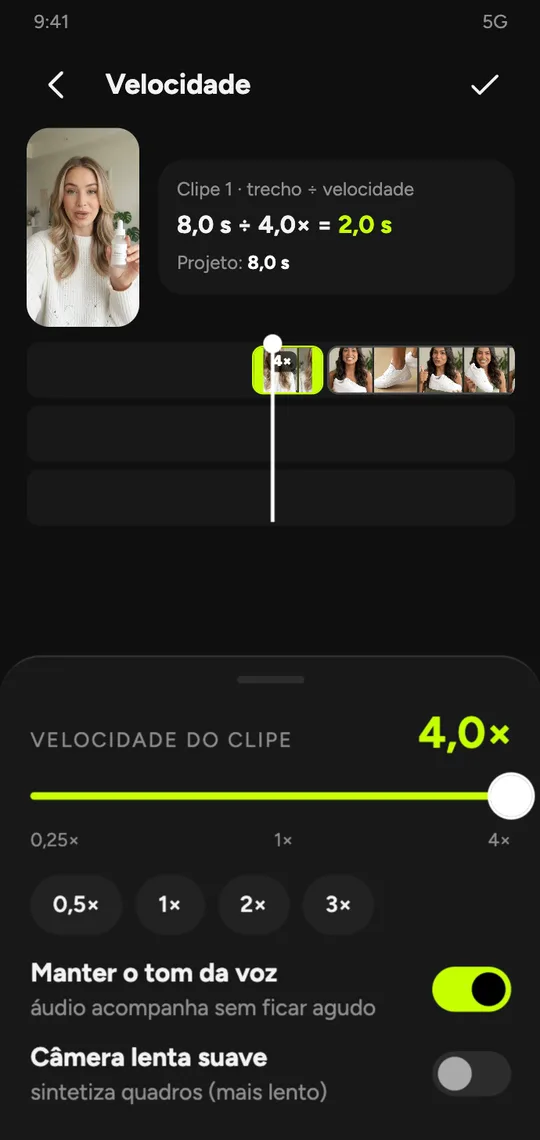
Choose the speed and options
Drag the slider or tap a chip. Turn on Keep voice pitch and, for slow motion, Smooth slow motion.