Mobile app2 min
How to add text and titles on your phone
Add a title, choose color, style and position in a few taps in the ZiggCut mobile app.
In shortType your title, pick a color, a style (outline, box, shadow) and where it goes.
Where to find it: Text
The app is on Google Play. Some screens in these steps come from the design prototype and may differ slightly from the current app.
- Step 1
Add the text
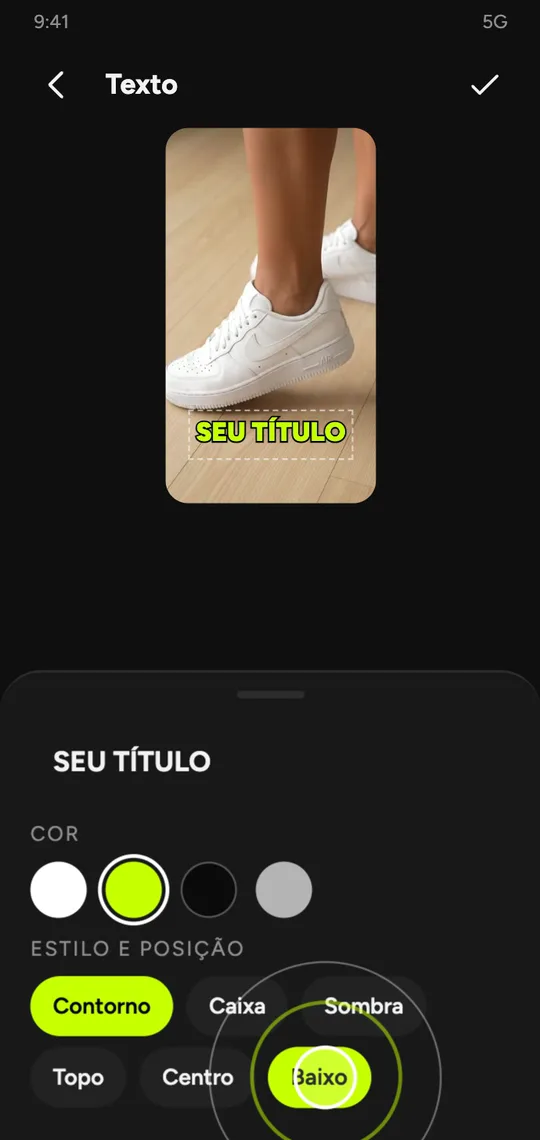
Tap Text and type your title.

- Step 2
Pick color
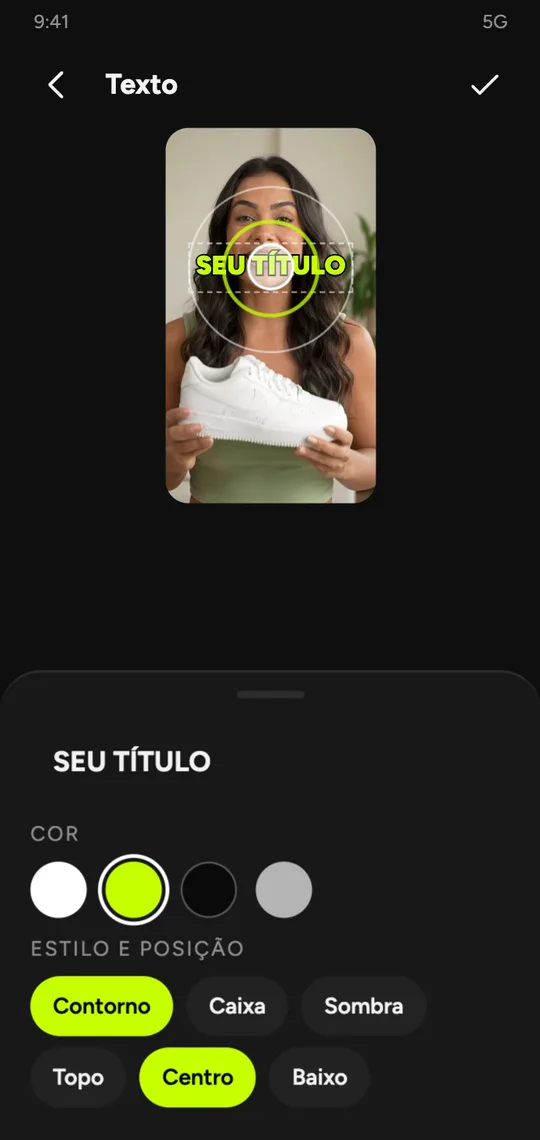
Choose white, lime, black or gray.
- Step 3
Style and position
Choose Outline, Box or Shadow and Top, Center or Bottom.