Desktop2 min
How to add zoom and camera movement
Add a slow zoom or pan to still shots with ZiggCut's camera movements: zoom in, zoom out and four pan directions.
In shortMovements animate the frame so still shots feel alive.
Where to find it: Left tab → Movements
- Step 1
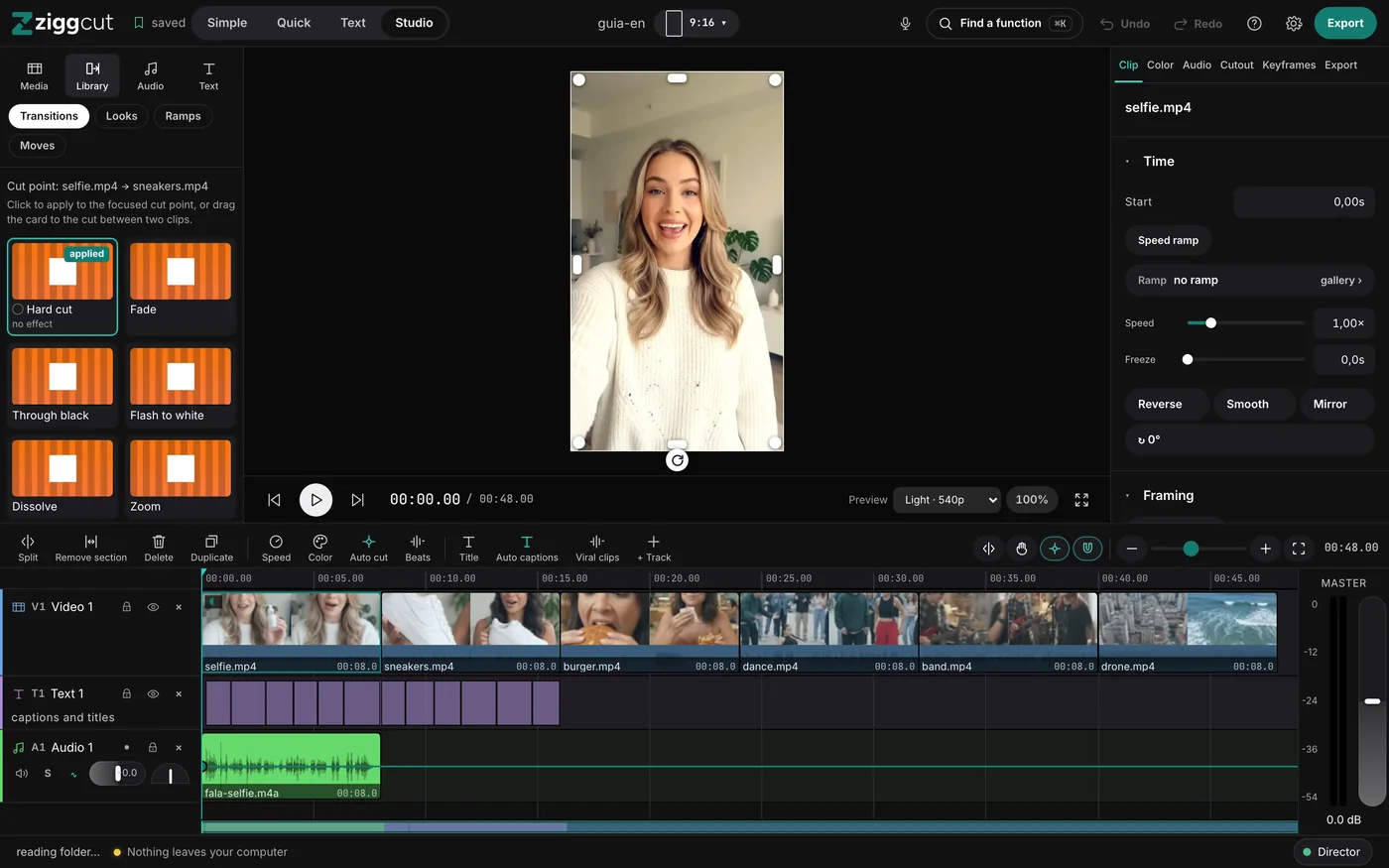
Select the clip
Click the clip you want to animate.
- Step 2
Open Movements
In the left panel choose Movements.
- Step 3
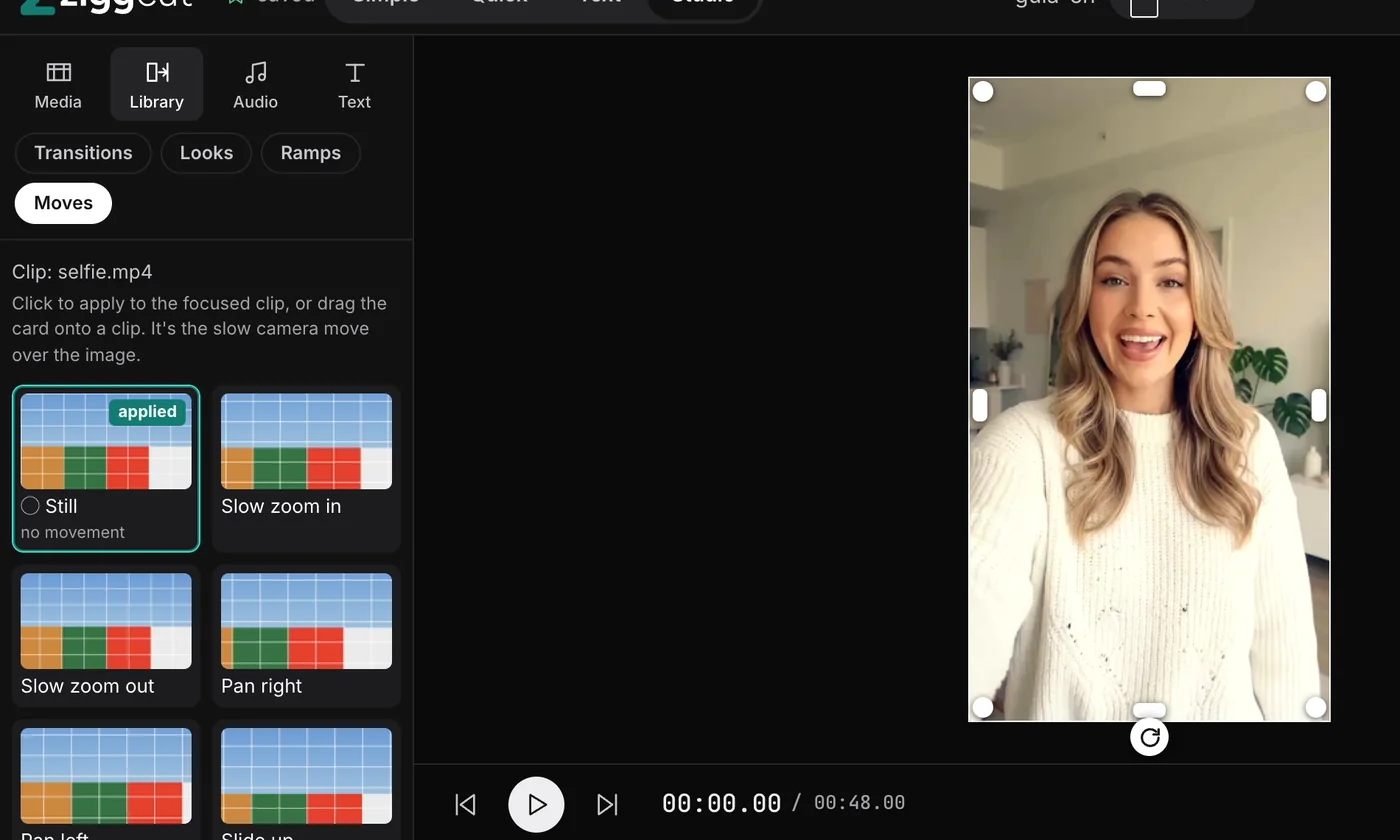
Pick a movement
Zoom in, zoom out or pan left, right, up or down. Adjust the amount in the clip panel.