Desktop2 min
How to edit video by voice
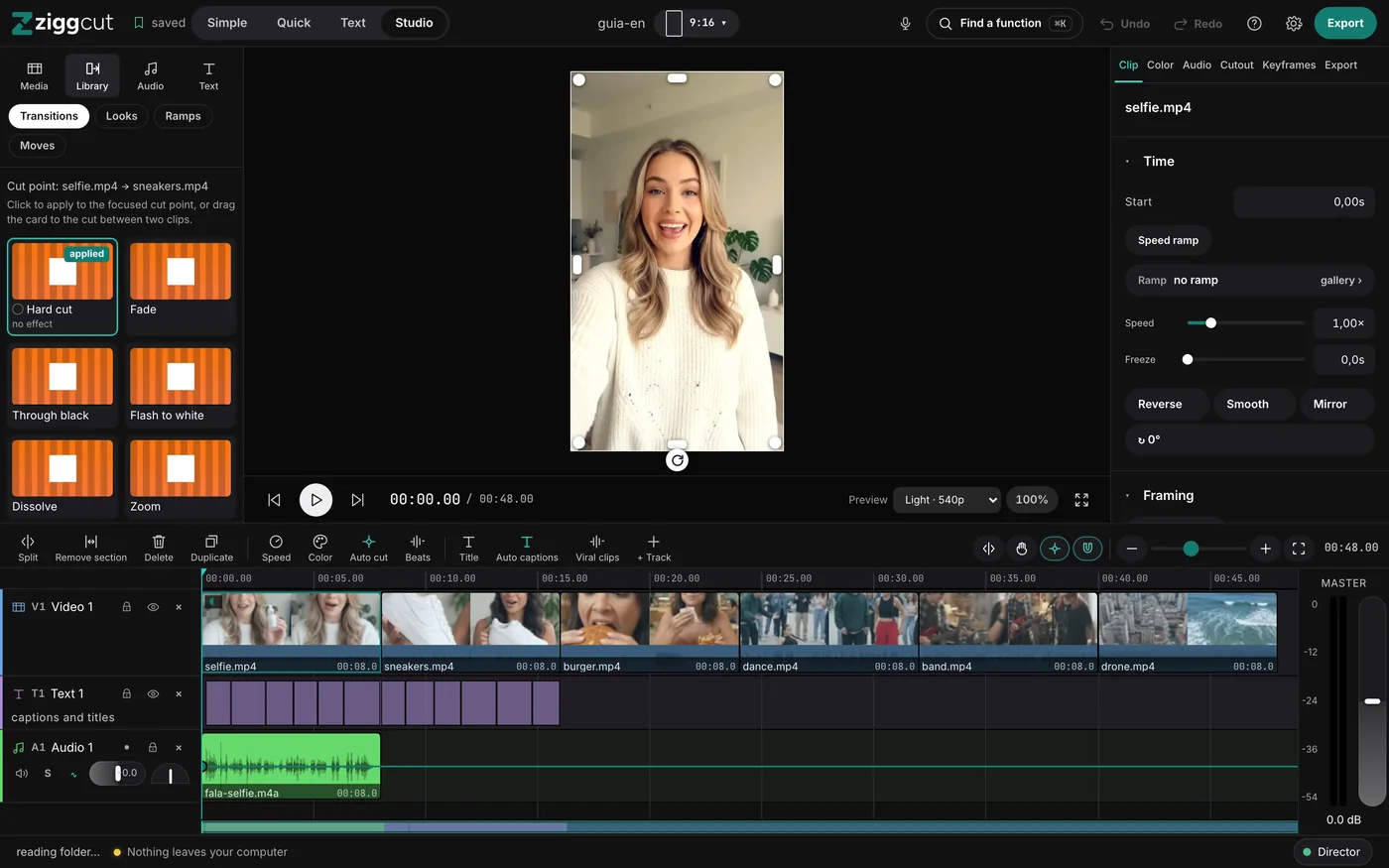
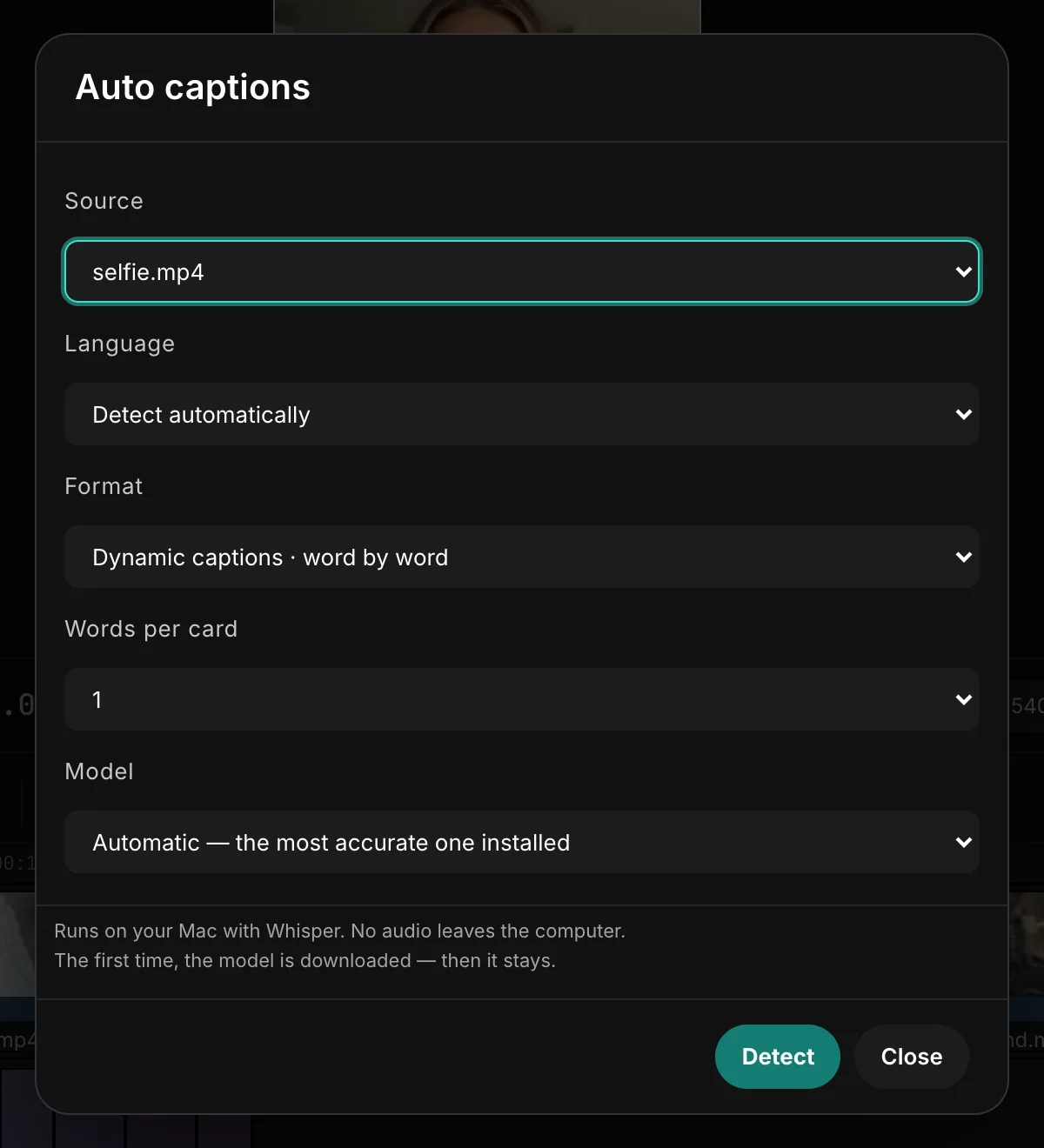
Hold Option + Space, say a command like “split here” or “add captions in spanish” and let go: ZiggCut does it right away, on your Mac and offline.
In shortZiggCut transcribes the command on your computer, understands the request and uses the same functions as a click, with the same Undo.
Where to find it: Option + Space shortcut · microphone button at the top
- Step 1
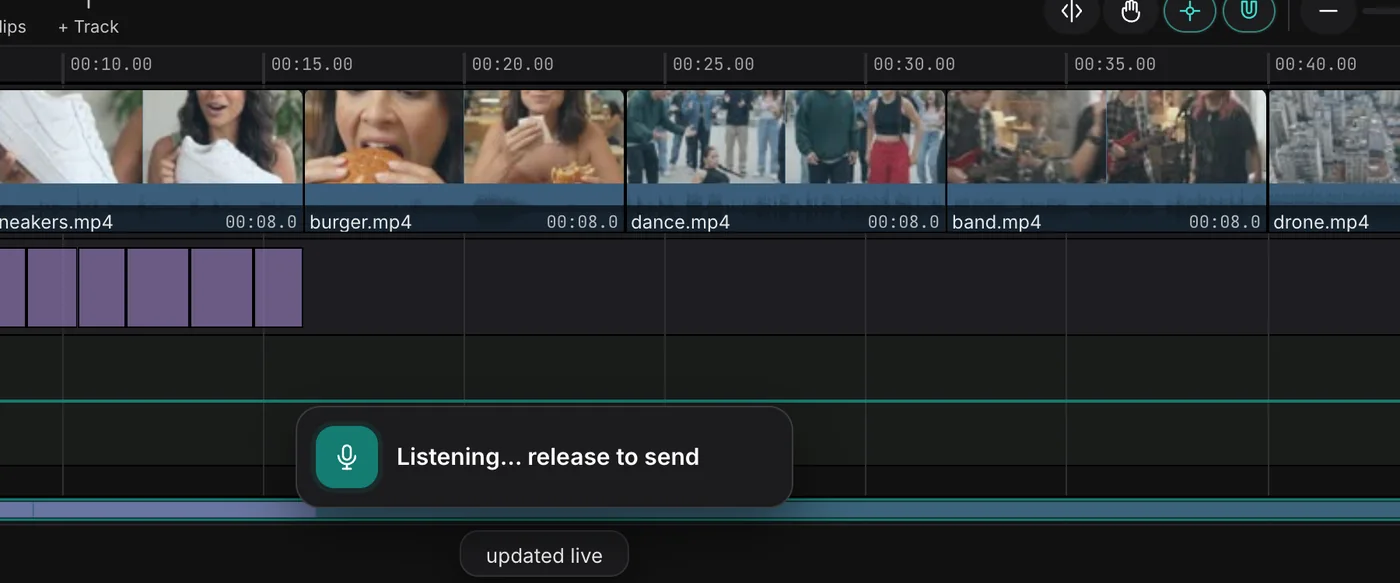
Hold Option + Space
Or click and hold the microphone button at the top, next to search. The first time, macOS asks for permission to use the microphone.
- Step 2
Talk and let go
Say what you want, like “split here”, “go to 30 seconds”, “speed 1.5x” or “make it vertical”. When you let go, it is done.
- Step 3
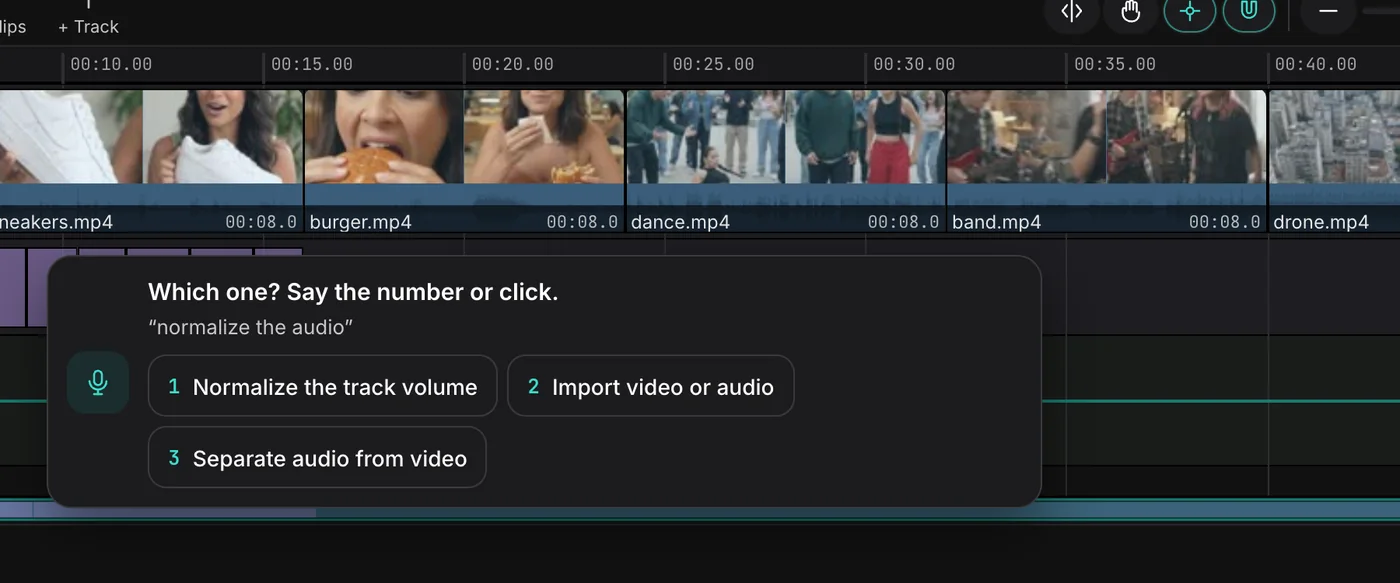
Pick one when it is not sure
If the request is vague, up to 3 options appear. Say “one”, “two” or “three”, or press 1, 2 or 3.
- Step 4
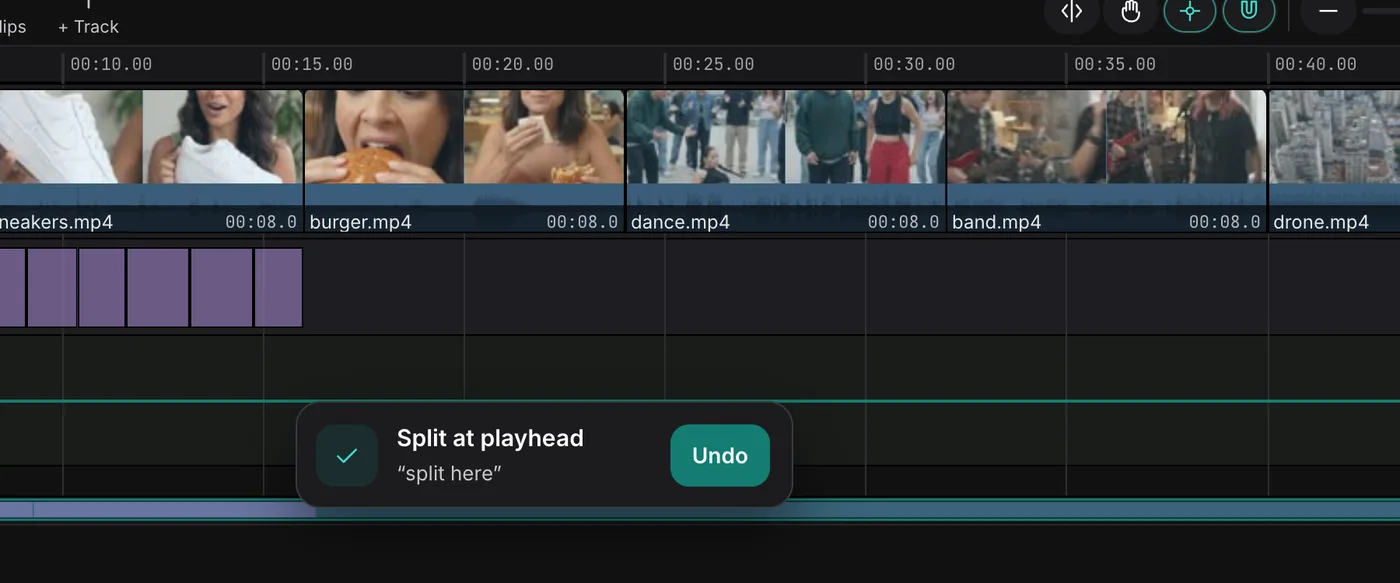
Undo if you want
Every command shows up in a notice with Undo. You can also say “undo”.